
Corporate and product catalogue design
A catalogue is the document that passes through the most hands: a salesperson puts it on the table, a dealer shelves it, a visitor takes it from a trade fair. So the work starts not with a nice cover but with deciding how the data will be laid out — how many products, which attributes, which languages, which print. At Concept 360° the page system is built once, and the following years build on it. Reliable product data gives catalogue design a sound starting point. For catalogues used at trade fairs or sales meetings, I manage product codes, specifications and language versions through a single content structure.
Who this is for
- Manufacturers and suppliers with many products and dense specification tables.
- Companies preparing for a trade fair or export meetings who need multilingual catalogues.
- Teams who rebuild the catalogue from scratch every year and end up with a different document each time.
- Businesses that send regular price lists and product documents to a dealer network.
What I usually find
- Product data is written onto pages rather than into a table, so one changed attribute means redrawing the whole page.
- There's no grid; every page sits slightly differently and the document looks unsettled.
- Images aren't at print resolution, and surprises appear at the printer.
- The English version lives in a separate file, and the two drift apart.
- The PDF can't be read on screen: the page size was set for print and nobody opens it.
Scope and deliverables
Agreed together, based on catalogue size, product count and number of languages.
- Information architecture: sections, product ordering and specification table structure.
- Grid system: page templates, margins and column layout.
- Cover and section dividers.
- Product page layouts: dense-data, light-data and full-page image variants.
- Typography and colour use, tied to the brand guideline.
- Multilingual layout: pages that survive text expansion.
- Print preparation: colour profile, bleed, resolution and printer checks.
- Screen version: a PDF that actually reads on screen.
- Source files, organised so next year builds on the same system.
Our team designs; Selçuk Aker sets the creative direction
Our team builds the page system, the grid and the layout; Selçuk Aker sets the creative direction.
See the role of AI toolsCatalogue and corporate document work
Below are real catalogue, brochure and price list productions. Each detail page states the scope.
Catalogue & Brochure
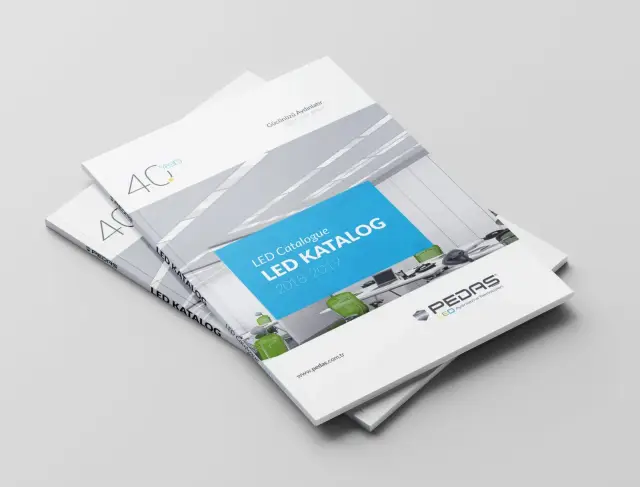
Pedaş Catalogue
Design work produced for the Pedaş catalogue.

Catalogue & Brochure
Westview
Catalogue design produced for Westview.

Catalogue & Brochure
Bole Tower
Catalogue design produced for Bole Tower.

Catalogue & Brochure
ISS
Catalogue design produced for ISS.
Catalogue & Brochure
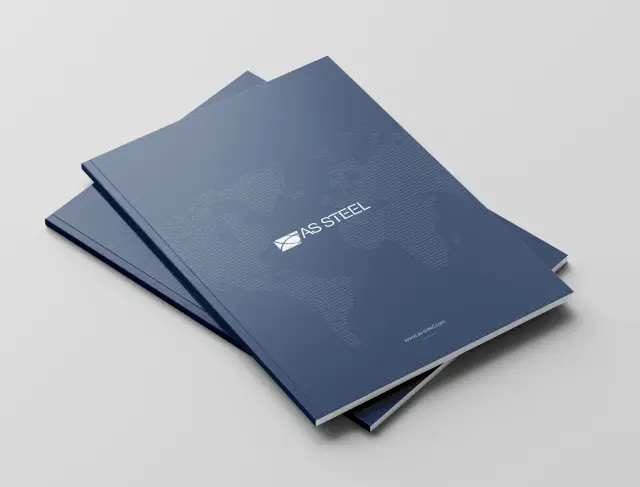
As Steel
Catalogue design produced for As Steel.

Catalogue & Brochure
YEO Solar
Catalogue design produced for YEO Solar.
How it runs
01
Reading the data
The product list, the attributes and which information actually helps someone decide are mapped. What belongs in the catalogue is decided here.
02
Page system
Grid, templates and sectioning are built before any single page is drawn.
03
Sample pages
Cover, section divider and two product pages go for approval first.
04
Production
All pages are laid out on the approved system.
05
Print and delivery
After colour, bleed and resolution checks, the print file and the screen version are delivered.
What I don't do
Naming what's out of scope early prevents surprises on print day.
- I don't take on printing procurement; I deliver print-ready files.
- I don't shoot product photography; sourcing imagery is a separate line item.
- The accuracy of product data stays with you — I can't verify specifications or prices.
- I don't bulk-generate hundreds of product descriptions.
- Catalogue software or automated data feeds are outside this page's scope.
Frequently asked
- What format should the product data be in?
- A table is enough — a spreadsheet or similar. What matters is that every product carries the same fields; missing and inconsistent fields make the page system hard to build. In the first meeting we decide together which fields are needed.
- Do you do multilingual catalogues?
- Yes. The layout is built to survive text expansion, because the same sentence runs longer in German than in Turkish. If you supply the translated copy, I typeset it; translation itself isn't in scope.
- Can we update the catalogue ourselves next year?
- Source files are delivered in an organised way and products can be swapped through the page templates. Still, for heavy data changes I'd recommend a review so the layout doesn't come apart.
- What does print-ready mean?
- A file with the colour profile, bleed, resolution and embedded fonts set so the printer can print it directly. I deliver it after a checklist pass; choosing the printer and procuring the print stays with you.
- Can we have a screen-only catalogue?
- Yes, and it's laid out differently: page size for screen, clickable links, a file size you can actually send. Forcing one document to serve both print and screen weakens both.
- How is the project estimate scoped?
- The estimate considers products, distinct templates, technical tables, languages and image readiness. Repeated product layouts and custom infographics require different effort. Design, content preparation and printing are specified separately.
Guides on this subject
Prioritising Catalogue Sections for Sales Teams
Organise a catalogue around sales conversations rather than the company's internal structure. Decide when each type of information should become available to a prospective buyer.
Briefing Exhibition Graphics, Catalogues and Sales Presentations Together
Exhibition graphics, catalogues and sales presentations may be produced by different teams.
Choosing Between a Brochure and a Catalogue for Sales
Choosing between a brochure and a catalogue by page count alone can produce material the sales team rarely uses.
What You Need Before Starting a Product Catalogue
Catalogue work starts with data, not design. If the product table, image specs, languages and print decisions aren't settled first, the page system can't be built.
PDF, Interactive or Printed Catalogue: Which for What?
Forcing one document to serve both print and screen weakens both. Where the three formats actually diverge.
A Guide to Multilingual Catalogues for Exporters
A second language isn't copying pages: text expands, units change, certifications differ. The layout decisions that must come first.
The Fundamentals of Being Visible in AI Search
A practical review sequence for service-page access, scope, project evidence and internal links, illustrated with the questions a design agency's clients need answered.
Related services
Let's plan the catalogue together
Let's talk about your product count, language needs and where it will be used; the page system follows from that.
Send the catalogue scope