
 selcukaker
Digital products people understand and finish using.
An interface succeeds not when it's admired, but when someone completes what they came to do without getting stuck. At Creative House, UI/UX work starts with flow: where the user comes from, what they're trying to do, where they hesitate. The interface is built on that and delivered with a design system — so that as the product grows, every new screen doesn't reopen settled decisions.
Who this is for
- Teams building SaaS products whose interface grows more tangled as it grows.
- Companies with a mobile app where users drop off at a particular step.
- Businesses whose admin and dashboard screens have drifted apart over the years.
- Anyone who'd rather work with an outside design team than keep a designer in-house full time.
What I usually find
- Screens were designed at different times, so the same function looks different in different places.
- There's no design system; buttons and form fields change from screen to screen.
- Empty, error and loading states were never designed, so developers invent them.
- Mobile was adapted afterwards; a flow that works on desktop jams on a phone.
- Handoff is incomplete: dimensions, behaviours and states aren't written down.
Scope and deliverables
Which items apply is chosen together, based on the product's maturity.
- Research: reviewing the current product, mapping user tasks and reading competitor interfaces.
- User flows: task-based routes and decision points.
- Wireframes: content and hierarchy decisions made before visual language.
- Interface design: screens, components and states (empty, error, loading, success).
- Prototype: the flow made clickable.
- Design system: component library, scale, colour and typography rules.
- Developer handoff: dimensions, spacing, behaviour notes and state definitions.
- Accessibility: contrast, keyboard navigation and touch target sizes.
I make the call; the system speeds it up
Flow, hierarchy and the final interface are my decisions. The AI team scans competitor interfaces, produces the screen inventory, finds duplicated components and compiles the handoff document. On large products the most time-consuming job is taking inventory; speeding that up leaves more time for design.
Meet the AI teamProduct and interface work
Below are mobile app and dashboard/SaaS interfaces I designed. Each detail page states the scope.
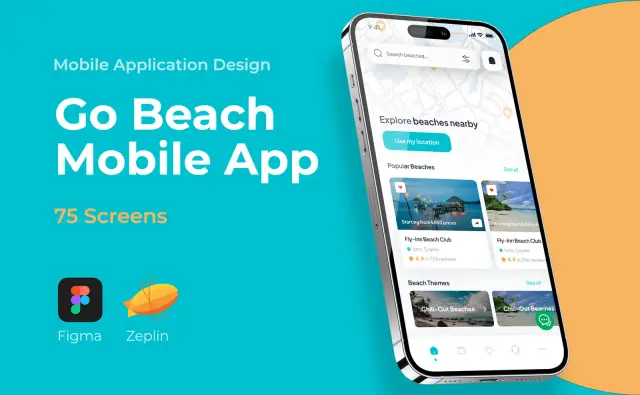
Mobile App
Go Beach Mobile App
An end-to-end, speed-focused mobile experience for finding and booking beaches.
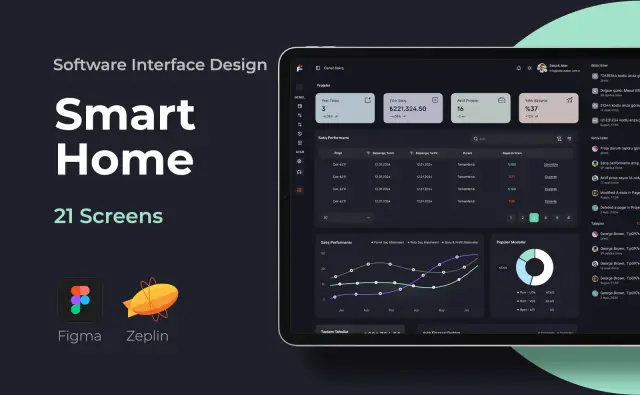
SaaS & Dashboard
ERP Software
Enterprise resource planning software; a comprehensive dashboard that makes dense data readable.
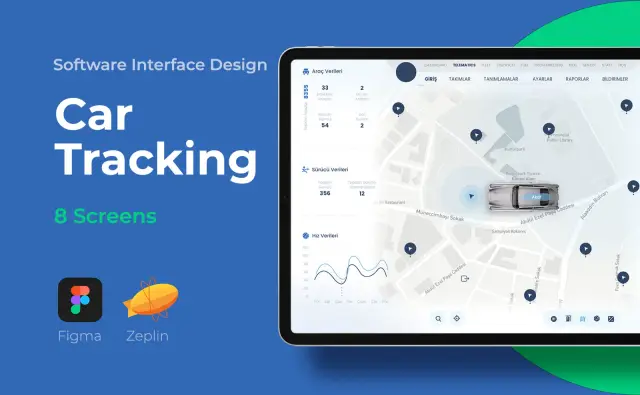
SaaS & Dashboard
Car Tracking
Fleet and vehicle tracking software; an operations panel monitoring live location and driving data.
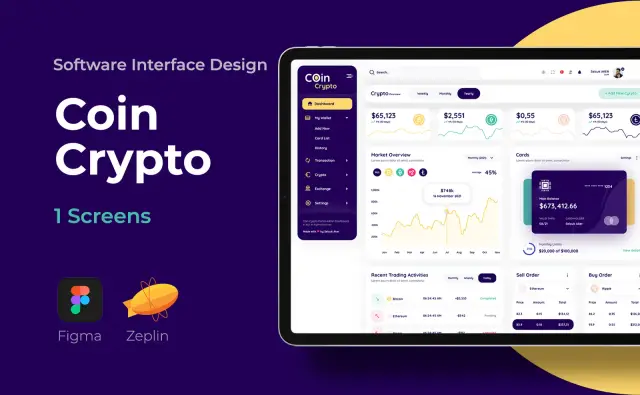
SaaS & Dashboard
Coin Crypto
Crypto asset tracking panel; live prices, charts and portfolio management screens.
Mobile App
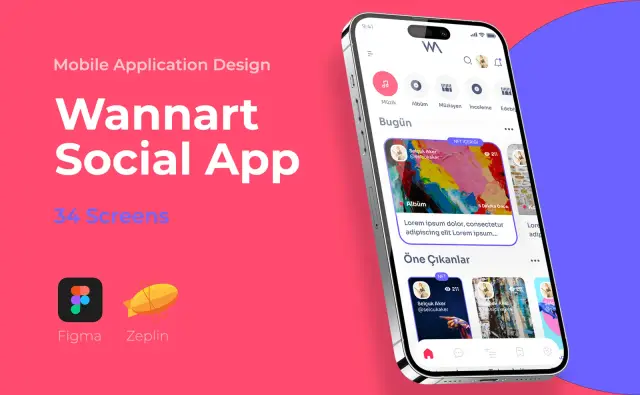
Wannart Social App
An art-sharing community; a social mobile app built around discovery and interaction.
SaaS & Dashboard
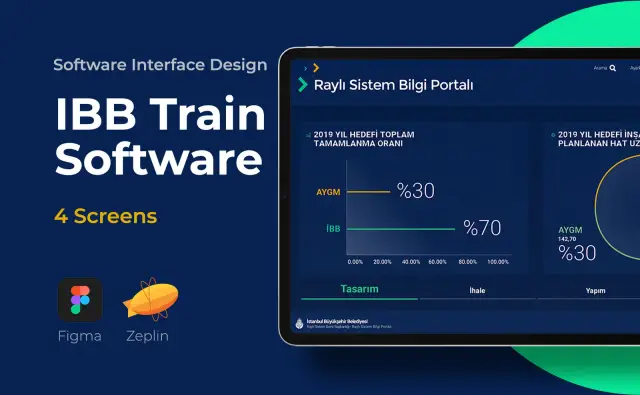
IBB Train Software
A real-time, data-led management interface monitoring Istanbul's rail operations.
How it runs
01
Reading the product
Existing screens, user tasks and sticking points are mapped.
02
Flow
Task-based flows are drawn; why each screen exists becomes clear.
03
Wireframes
Content and hierarchy decisions come before visual language.
04
Interface and system
Screens are designed and repeated parts become components.
05
Handoff
Prototype, design system and a dimensions/behaviour document are delivered together.
What I don't do
Aligning expectations early matters most in product design.
- I don't commit to software development within this page's scope; development needs are discussed separately.
- Recruiting participants and field research for user testing is a separate line item; whether it's in scope is agreed up front.
- I don't promise a specific usage or retention rate.
- I don't assume the existing codebase will be rewritten; design decisions are made alongside technical reality.
Agency, or a single project?
For one app's interface or a specific set of screens, Selçuk Aker also works individually — project-based, one role. Creative House means a design team standing alongside your product team continuously: carrying on with each release, growing the system, accumulating product memory.
For individual UI/UX work, see selcukaker.com.tr ↗Frequently asked
- Do you handle development as well?
- This page's scope is design and handoff. If web development is needed, that's discussed separately; if you have developers on the product team, the handoff is prepared so they can work from it directly.
- Why is a design system necessary?
- As a product grows, every new screen reopens decisions that were already made. The system keeps those in one place: how a button behaves, where a form error appears, what the spacing scale is. It saves time on both the design and the development side.
- Can you improve our product without redesigning it from scratch?
- Usually yes. A screen inventory and user task map come first, then the flows with the most loss are prioritised. A full redesign isn't always the right answer and carries a high technical cost.
- Do you run user testing?
- Testing can be added to scope, but recruiting participants and field research must be agreed up front as a separate item. If it isn't in scope, I write that down rather than let it be assumed.
Related services
Let's look at the product together
Let's talk about your current interface and where users get stuck.
Book a call